Why a Live Activity ends after 8 hours
If you have used any app with a Live Activity — a timer, a food delivery, a flight — you have seen it disappear. That's not a bug in the app. It's an iOS rule, and it shapes how Live Frame is built.
The rule
A Live Activity can run for at most eight hours. After that, iOS marks it as ended; the card may stay visible for up to four more hours in a greyed-out state, then it is removed. No app can extend that — it is enforced by the system, and it exists so that the Lock Screen doesn't fill up with stale cards and so that the battery isn't drained by permanent updates.
What that means for a photo frame
An honest photo frame app cannot promise “always on”. What it can do is run for the hours that matter — the evening on the sofa, Sunday morning, the desk during work — and start again on its own the next day.
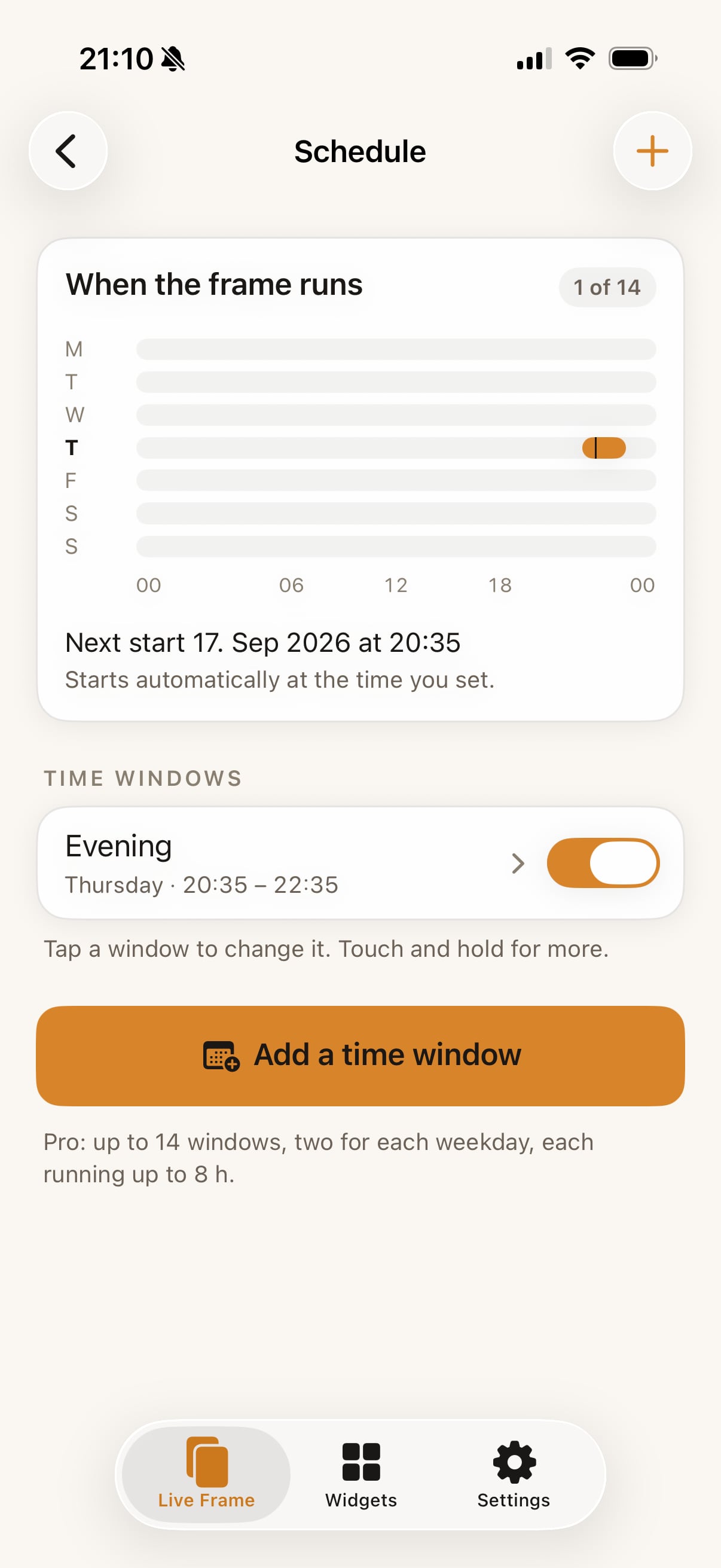
That is what Live Frame's time windows are: recurring slots, up to eight hours each, up to fourteen per week. On iOS 26 each window starts by itself at the time you set. On iOS 18 you tap Start and the frame runs for the length you chose.
The free plan and the limit
The free plan gives you one 30-minute session a day, started by hand — enough to see whether you like it. Pro and Lifetime unlock the scheduled windows and the automatic rotation. See pricing.
Questions
Can I restart a frame after it ended?
Yes — open the app and tap Start again (on the free plan, once per day). A scheduled window starts on its own the next day.
Why does the frame sometimes stay grey on the Lock Screen after it ended?
iOS keeps an ended Live Activity visible for a while. Live Frame asks iOS to remove it about 15 minutes after the end; swiping it away works at any time.